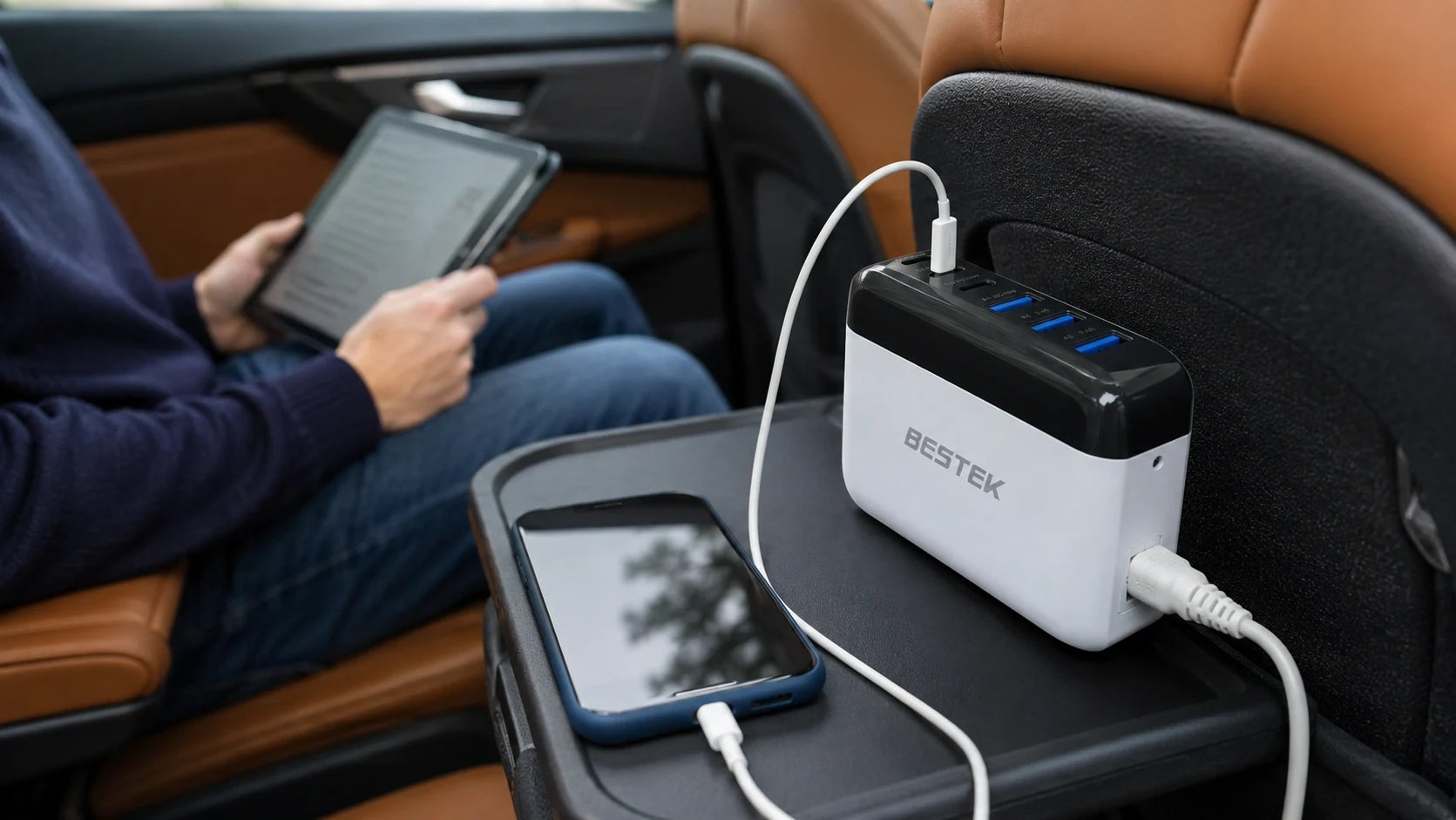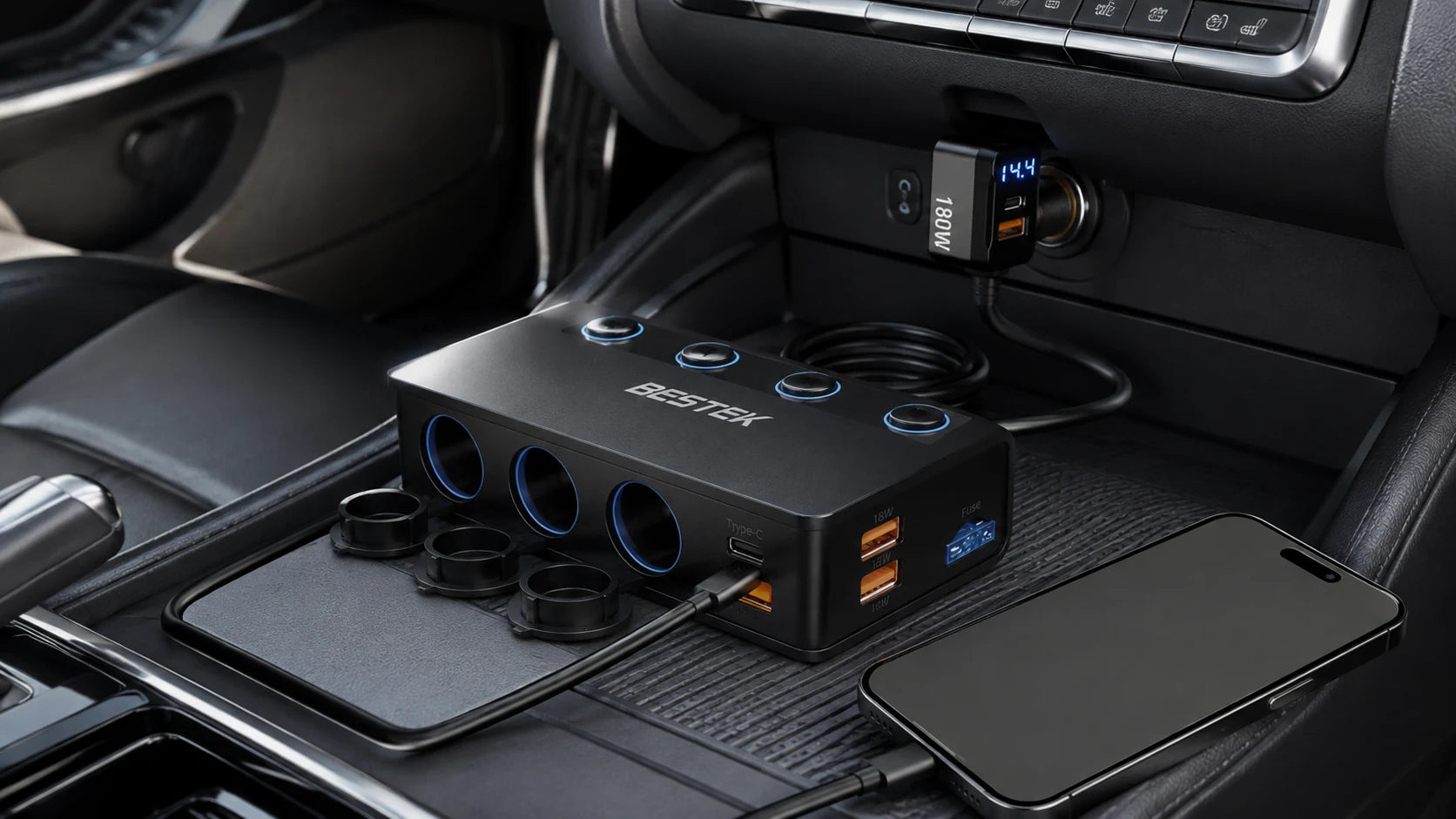
Before departure, the console can collect several competing leads. A passenger brings a phone, a navigation accessory needs power, and another device appears just as everyone is ready to go.
Use the parked moment to decide what will run together. The three accessory sockets add connection space, while the vehicle still sets a limit. Assign each device a checked output and a route that respects the people using the seats.
A splitter adds connection points. It does not increase the power available from your vehicle socket.
Start with a device list
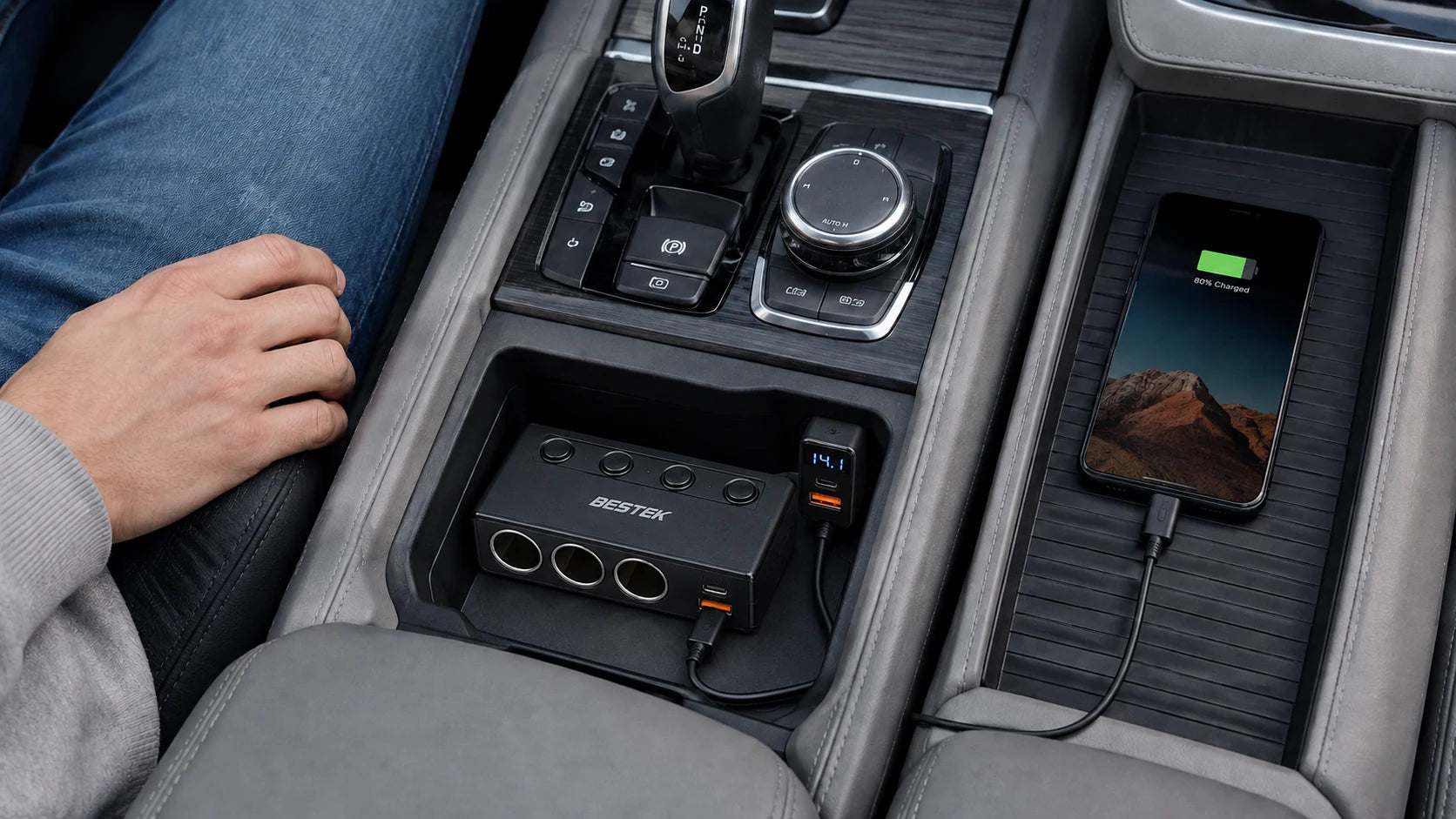
A phone, a navigation accessory and a passenger’s charging lead can compete for one vehicle socket. The BESTEK 180W splitter offers three cigarette-lighter sockets plus USB charging connections. Before using them, list the devices that will be connected together and check each one’s input requirements. A device that physically fits a socket is not automatically a suitable load. The splitter redistributes the available supply; it is not an inverter that creates household AC outlets.
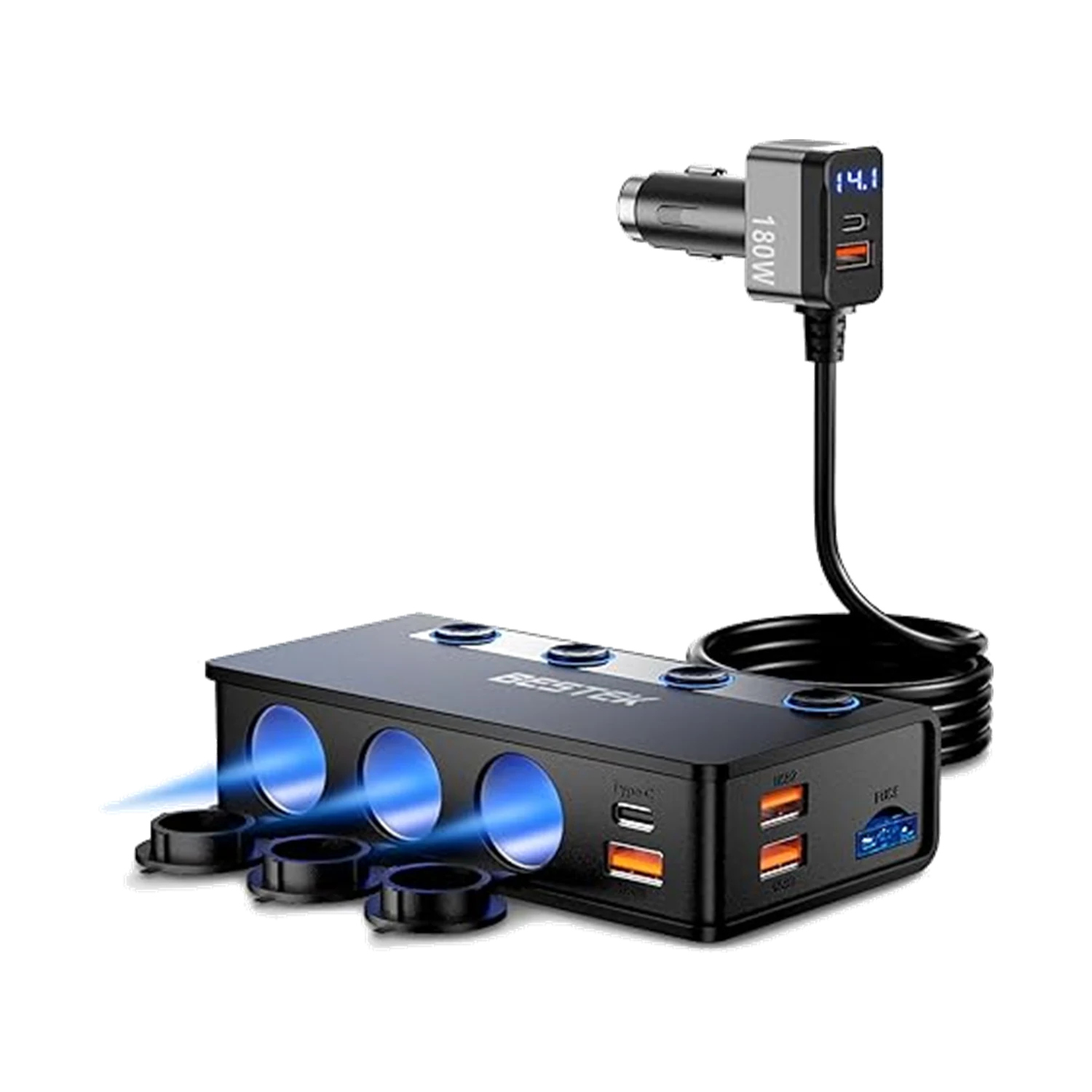
More connections share one vehicle supply
Three accessory sockets add connection options without increasing the power available from the vehicle.
Find the lowest limit in the chain
The 180W figure is a product-level maximum, not an allowance for each of the three sockets. The vehicle socket and fuse can impose a lower total limit. Check the vehicle manual, the splitter instructions and any per-port limits. Include both socket-powered equipment and USB charging when considering simultaneous use. Do not replace the vehicle fuse with a larger one or connect another splitter in order to bypass a limit.
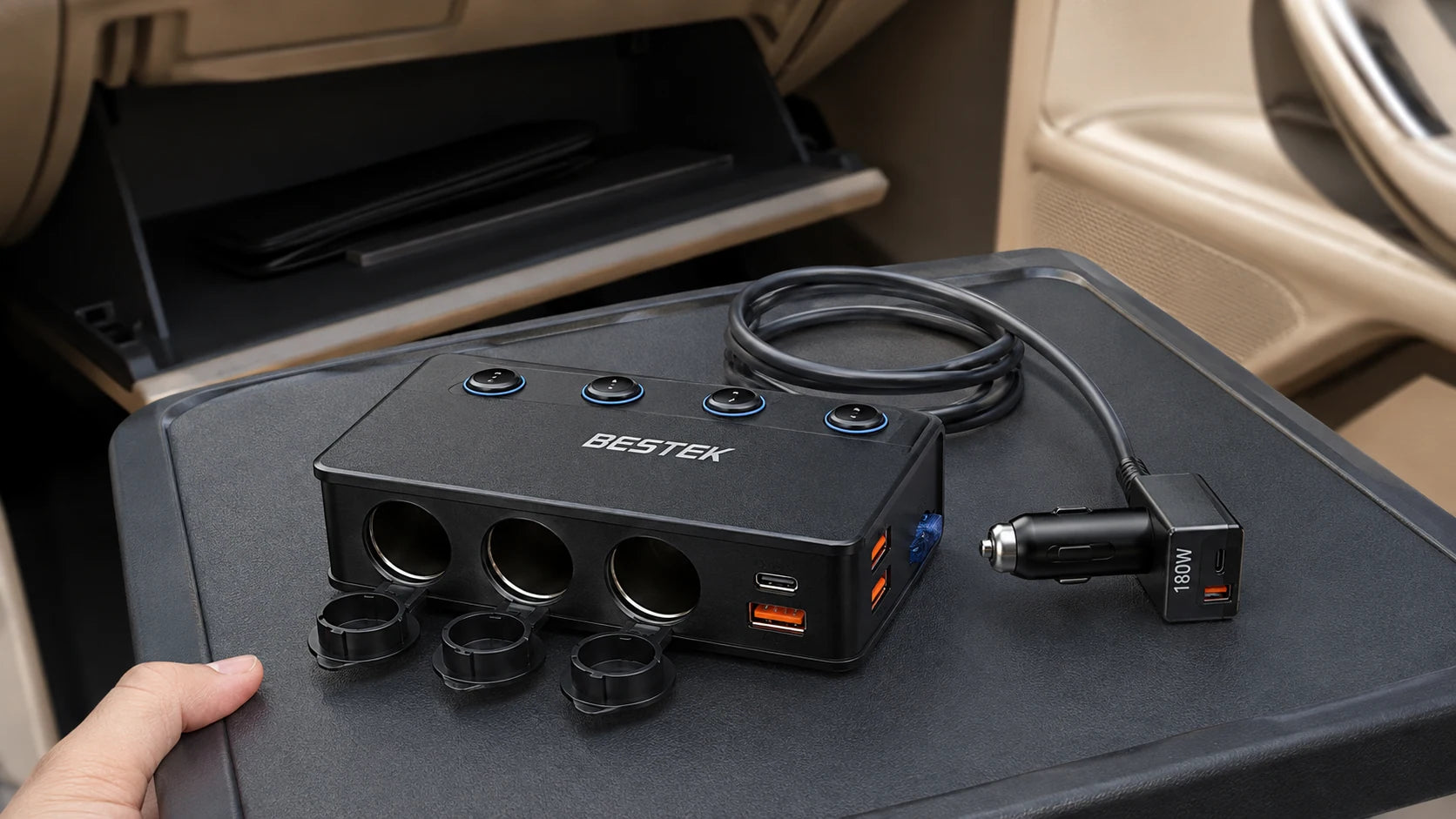
Draw a connection map while parked
Give each planned device a line on a simple list. Record whether it needs a vehicle accessory socket or a supported USB output, then add its input requirements. Include equipment that will be used together; a passenger’s charger still belongs in the plan even if it is connected later.
Put the highest-priority trip equipment first, such as the navigation accessory you actually use. Allocate the remaining connections only after checking the total. If a rating is missing, keep that device out of simultaneous use until clarified. Empty sockets can be a deliberate part of the arrangement.
Read the USB-C condition carefully
The product listing describes different USB-C PD output limits depending on the input supply: up to 36W with 12V input and up to 65W with 24V input. That is not a promise of 65W from a typical 12V car socket. The phone or laptop and its cable must also support a compatible charging mode. A device can draw less than the port maximum, and the number on a charger does not determine a guaranteed charging time. Confirm the exact model’s supported input before use.
Route once, then leave it alone
Arrange the setup while parked. Place the splitter where it can remain stable without obstructing a shifter, controls or ventilation. Keep all cords out of the driver’s footwell, seat tracks and airbag deployment areas. Avoid a cable stretched across a passenger’s exit path. Check connections before driving; make adjustments only when safely stopped. A display can be useful information, but it is not a reason to interact with equipment on the move.
Leave room in the plan
Not every available socket needs to be occupied. If the combined requirements are uncertain, charge fewer devices at once and ask the manufacturer for clarification. Disconnect equipment when it is no longer needed and follow the vehicle instructions about accessory power with the engine off. A tidy arrangement should make a trip less distracting, not add another task for the driver.
Read the three different limits
| Rating | Where it applies | Planning implication |
|---|---|---|
| 180W maximum | Splitter as a whole | Not a per-socket allowance |
| USB-C up to 36W | With 12V input | Check supported device charging |
| USB-C up to 65W | With 24V input | Do not assume this in a 12V car |
The vehicle, individual outputs and combined use may impose stricter limits.
Before passengers connect
Use this checklist while you review your equipment.
0 of 4 checked. Your checks stay in this tab only.
Common questions
Is each socket rated for 180W?
No. Do not treat the product’s total rating as a separate allowance per socket.
Is this a household AC power supply?
No. Its vehicle accessory sockets are not the same as the AC outlets on an inverter.
Can I charge a USB-C laptop from the splitter?
Only if the laptop accepts a supported charging mode at the available output for your supply. Check the laptop, cable and exact splitter model together.
Does a USB-C plug prove Power Delivery support?
No. USB-C describes the connector; Power Delivery is a separate capability. Check the supported charging features of the source, cable and device.
Sources and editorial notes
BESTEK product listing. Product facts checked September 7, 2026.
Scene images are AI-generated editorial illustrations, not test reports or installation diagrams. Follow actual labels and instructions.