A desk changes gradually: another monitor, a different lamp, a laptop adapter that never quite found a place. Trace the leads before choosing where the next plug should go.
Eight outlets offer room to organize, within the strip and circuit limits. Give each device a named connection, leave the switch accessible and keep the cable route visible enough to inspect when the furniture or equipment changes.
Eight outlets describe connection space. They do not increase the capacity of the wall circuit.
Map the desk before adding plugs
A monitor, laptop power supply and desk lamp can leave several leads competing for the same wall outlet. The white BESTEK strip offers eight grounded AC outlets and four USB-A ports. Start by identifying the equipment that actually needs power at the desk. Check plug size and cable length, then position the strip where the switch remains accessible. Having spare outlets is useful; it is not an invitation to connect every appliance in the room.
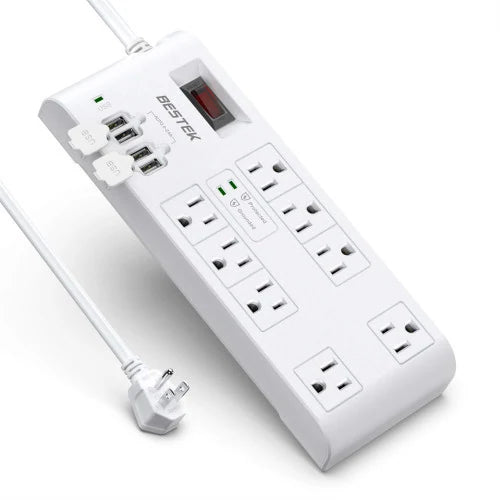
Connection space you can actually use
Leave room around larger adapters, keep the switch reachable and check the actual strip label.
Use the product label as the limit
Read the input voltage, current and load restrictions on the actual strip and in its manual. The product listing contains inconsistent voltage wording, so this guide does not claim international-voltage compatibility. Do not use the strip as a travel voltage converter. Keep the combined load within the strip and circuit limits, and connect it directly to a suitable grounded wall outlet. Do not plug one power strip into another. Keep high-power heating appliances out of a desk-strip arrangement.
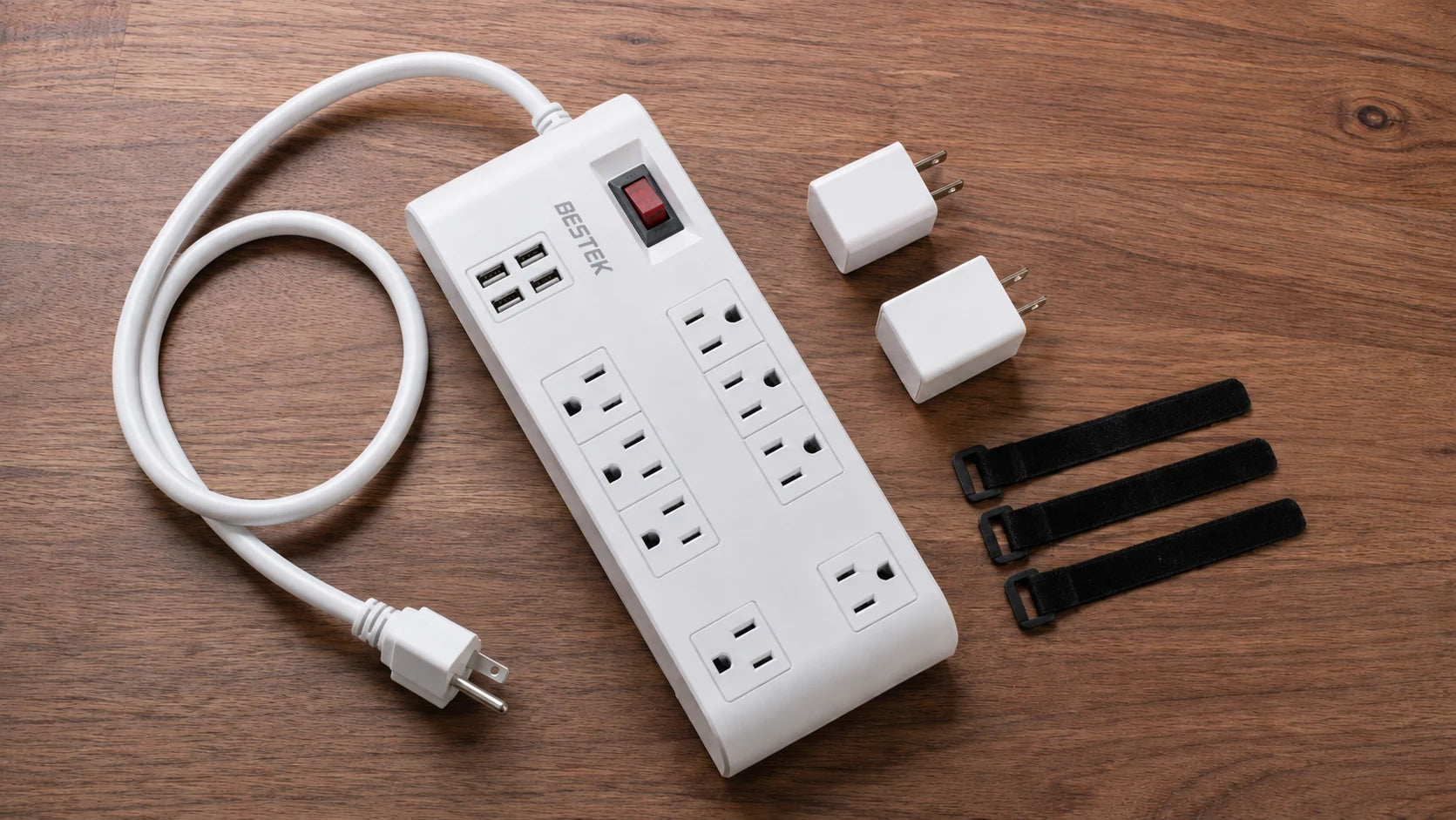
Give every plug a name
Disconnect before rearranging, then trace each lead back to its device. Make a simple list such as monitor, laptop adapter and lamp, noting their input requirements. Remove unused leads from the proposed layout. A cable with no current job makes the next equipment change harder to understand.
Lay out bulky adapters first to check whether neighboring plugs can seat fully. Identify each device lead with a small tag away from the plug, without covering product labels or vents. Leave the switch and connections accessible so you can disconnect a particular device without pulling on several cords.
Understand the 2000-joule figure
The product is marketed with a 2000-joule surge rating. Joules describe an energy rating associated with surge protection; they are not the amount of power available to your desk. Surge protection also does not mean battery backup. This strip will not keep a computer running through a power cut, and it should not be treated as a guarantee against every surge or a direct lightning strike. Follow the manufacturer’s guidance on protection indicators, inspection and replacement.
Make the cable route visible and serviceable
Place the strip in a dry location where plugs can seat fully. Keep cords away from chair wheels, sharp desk edges and walkways. Do not hide a power cord under a rug or tightly cover the strip with papers. Route device leads with enough slack to move equipment without pulling on the sockets, and keep drinks away. If you want to mount the strip, use only a supported mounting method and do not drill into its housing.
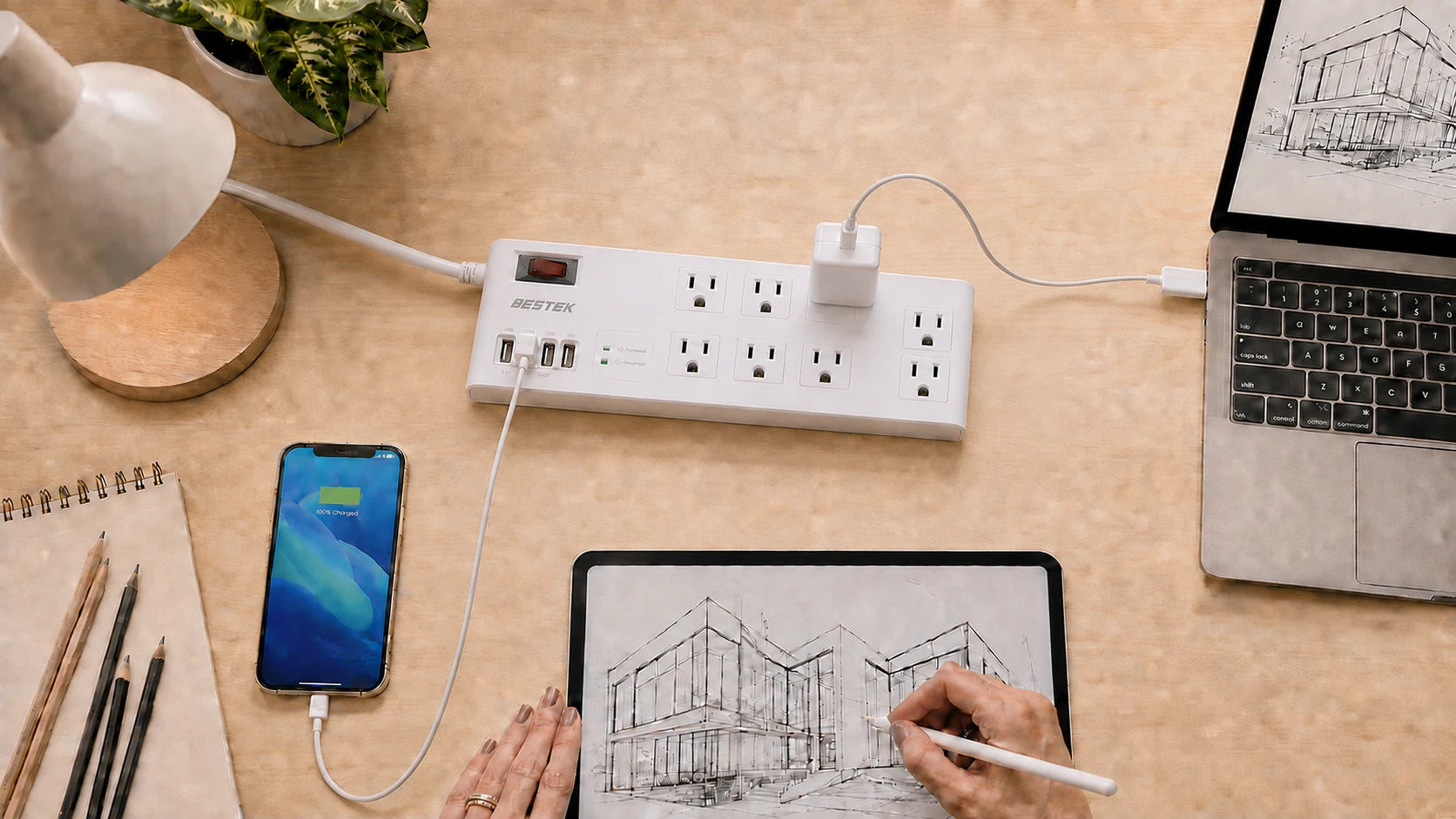
Review the desk when equipment changes
Adding a monitor or a new power supply changes both the load and the physical layout. Recheck the ratings and plug clearance instead of simply using the next empty outlet. Disconnect before rearranging and stop using equipment with damaged cords, scorch marks, loose contacts or unusual heat. A clear setup is easier to inspect, easier to clean around and easier to disconnect when the workday is over.
Three numbers, three different jobs
| Product detail | What it describes | What it does not establish |
|---|---|---|
| Eight AC outlets | Connection space | Extra wall-circuit capacity |
| Four USB-A ports | USB charging connections | Universal device compatibility |
| 2000-joule rating | A surge-protection energy rating | 2000W output or battery backup |
Use the actual strip label and manual to establish voltage, current and permitted load.
Before you switch on
Use this checklist while you review your equipment.
0 of 4 checked. Your checks stay in this tab only.
Common questions
Does 2000J mean 2000W?
No. Joules and watts describe different quantities; the surge rating is not a continuous-load rating.
Will this keep my computer on during an outage?
No. A surge-protecting power strip is not an uninterruptible power supply.
Can I mount it underneath the desk?
Use only a mounting method supported by the product instructions, with dry placement, ventilation and accessible connections. Do not drill into the housing.
When should I revisit the layout?
Whenever equipment or furniture changes, and if you notice damage or unusual heat. Recheck load, plug clearance and cable movement together.
Sources and editorial notes
BESTEK product listing. Product facts checked September 7, 2026.
Scene images are AI-generated editorial illustrations, not test reports or installation diagrams. Follow actual labels and instructions.
ESFI: Electrical Fire Safety Checklist
ESFI: Electrical Safety Dos and wiring warning signs