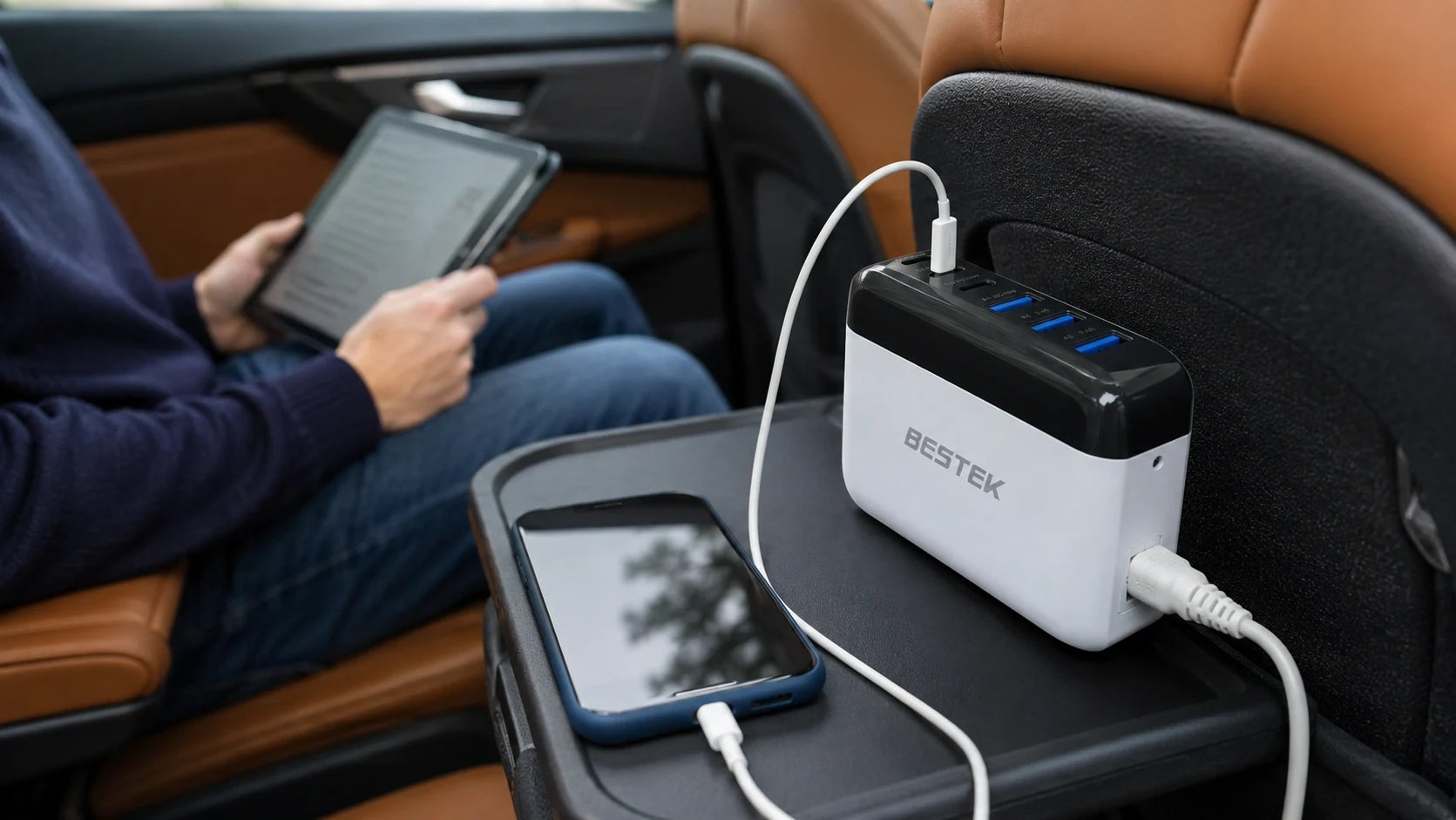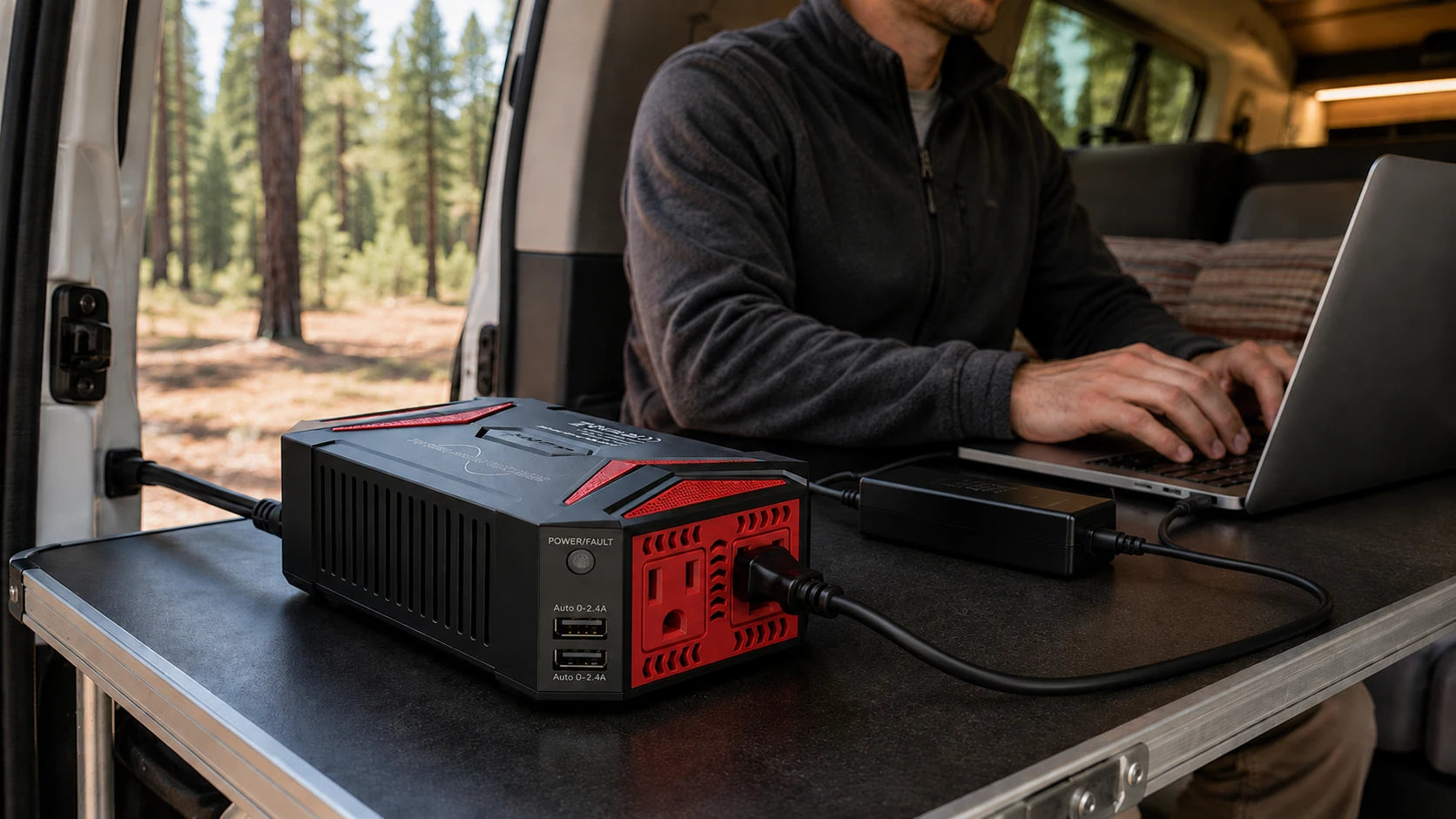
A quiet stop can be enough to review a document, sort a few photographs or finish an email. Start with the laptop you already use and its compatible power adapter, then give both a place on a stable work surface.
The BESTEK 300W pure sine inverter provides an AC connection from a compatible 12V vehicle supply. The useful part is a simple, accessible setup—not filling every available socket.
A laptop, its compatible adapter and a clear place to work: start with those three things.
Start with the task and the charger
For a short document review, the laptop may be all you need. Keep its original compatible adapter with it and check the adapter’s AC input requirements against the inverter’s output. Pure sine describes the AC waveform; it does not guarantee that every device is compatible.
Give the inverter a clear resting place
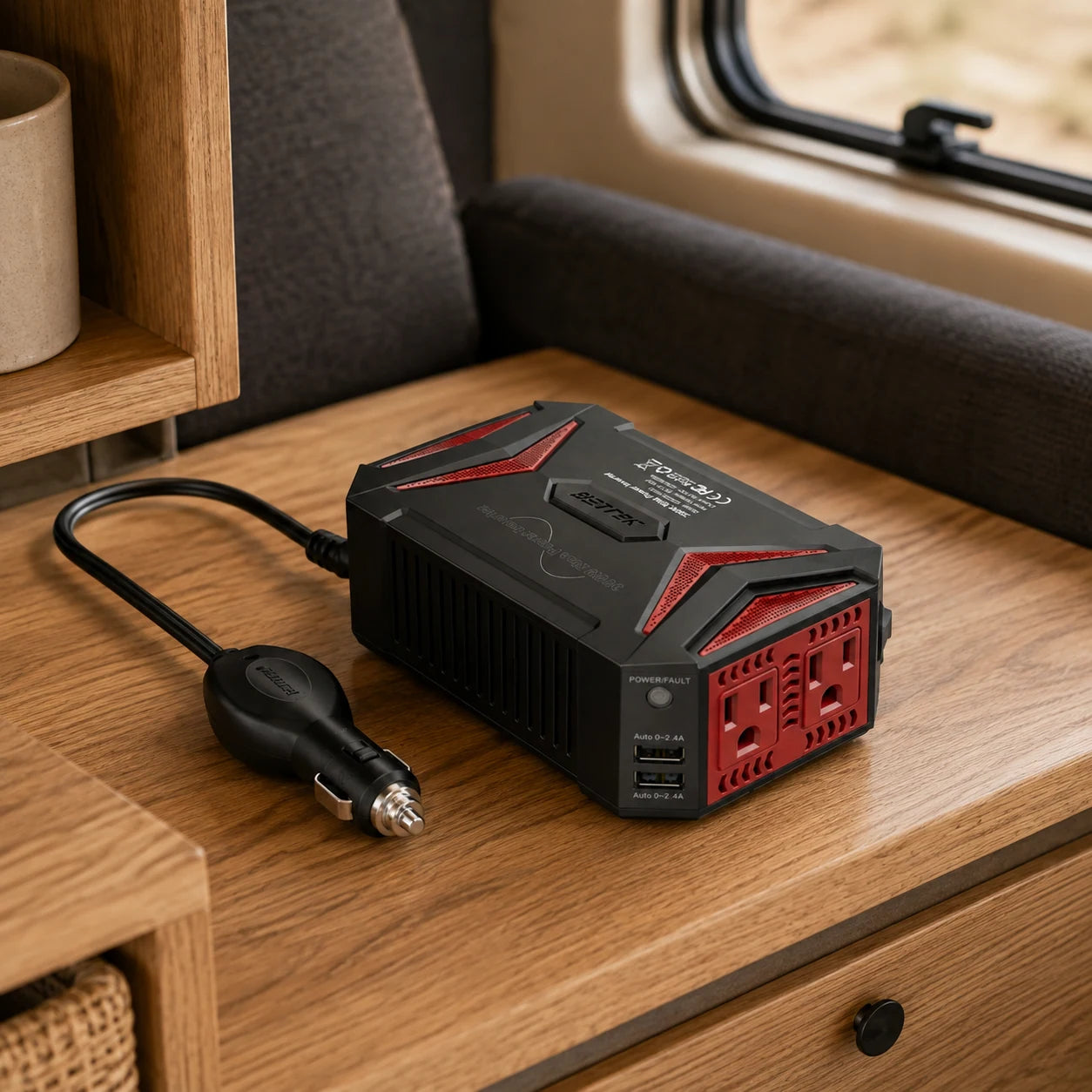
A firm oak shelf keeps the unit and its vehicle plug easy to see. Keep the vents clear and the cable free from doors, hinges and moving furniture.
Lay out the kit before connecting
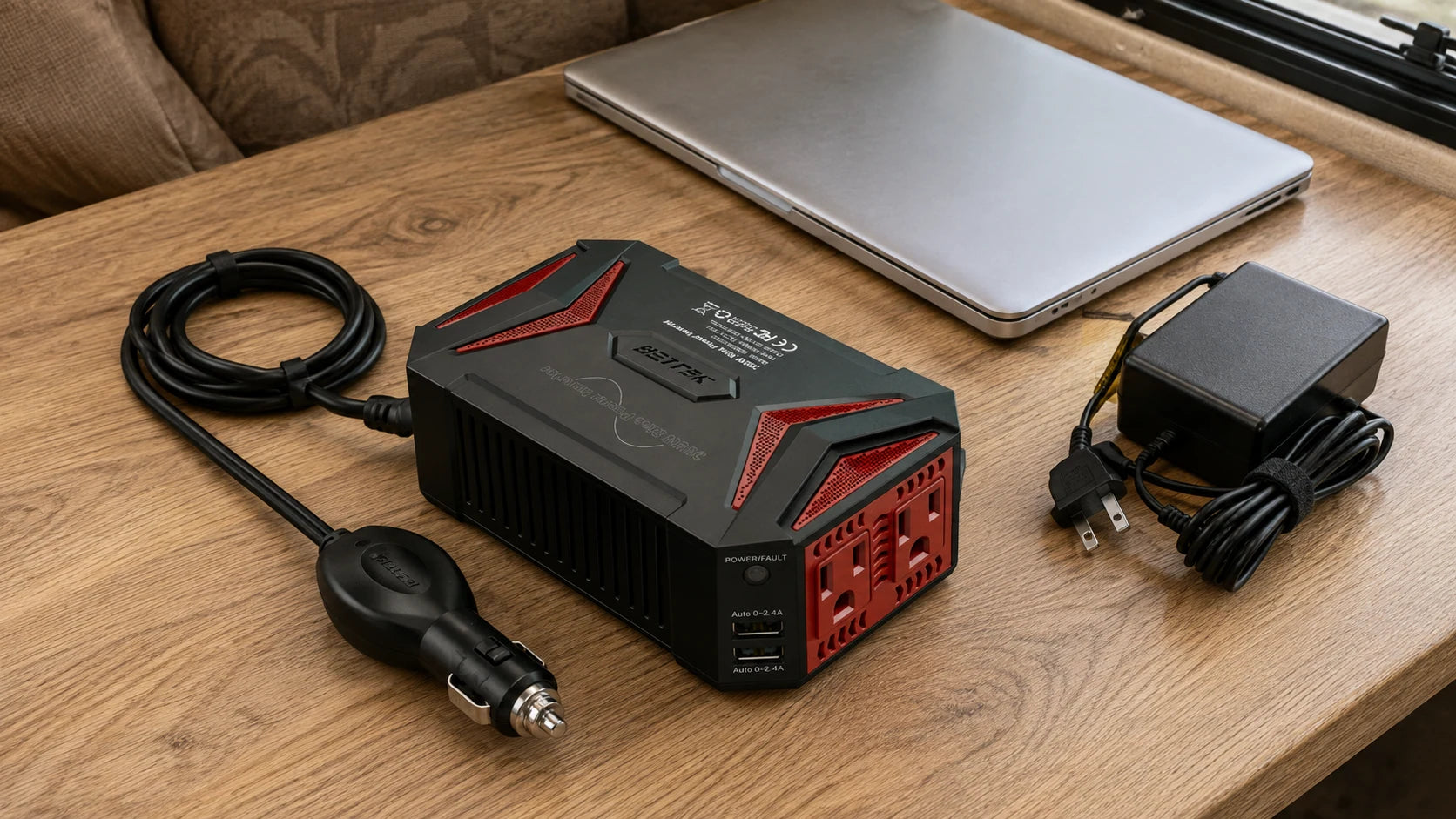
Place the laptop where you can type comfortably, with its power adapter nearby. Give the inverter a firm, dry resting place with its vents clear. Run the adapter’s AC lead and laptop lead so that neither catches on the edge of the table or pulls on a connector. The arrangement below shows the parts laid out for planning.
Work within the vehicle’s supply
This model is intended for a compatible 12V supply. Its listing warns against loads above 150W through the cigarette-lighter connection; the vehicle socket may have a lower limit. Use the lowest applicable limit for the complete load. The 300W inverter rating is not a promise of 300W from every vehicle socket.
Leave room for the smaller connection
If the task only involves a phone, an appropriate USB connection may be enough. The two USB-A ports offer a different connection from the AC outlets. Choose a supported cable and device; a dedicated USB car charger can also be a simpler option for a phone-only trip.
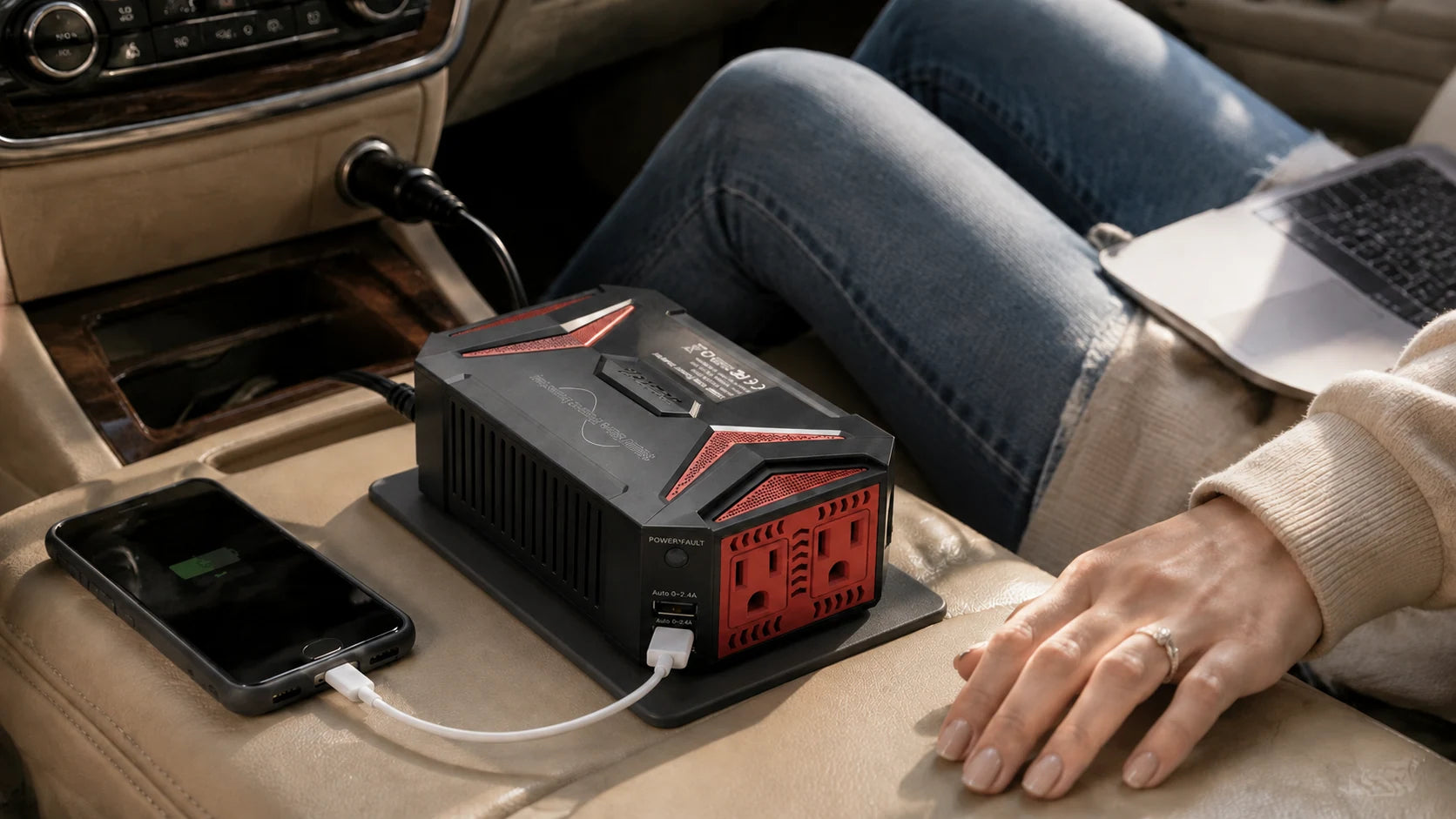
Pack away before the next leg
Set up and work while parked. When finished, switch off and disconnect as directed by the equipment manuals. Gather the leads with the adapter and store the equipment before driving, leaving controls, seat rails and the driver’s footwell clear.
Three checks before mobile work
| Specification | What it tells you | What to check next |
|---|---|---|
| Pure sine wave | AC waveform type | Device manufacturer’s requirements |
| 300W continuous | Inverter output rating | Vehicle socket’s lower limit |
| Two AC outlets | Available connections | Combined equipment requirements |
None of these specifications alone establishes compatibility with a particular laptop.
Before you open the laptop
Use this checklist while you review your equipment.
0 of 4 checked. Your checks stay in this tab only.
Common questions
Does pure sine mean more watts?
No. Waveform and available continuous power are different specifications.
Does this replace a laptop charger?
No. For an AC-powered laptop setup, you still need the correct compatible laptop power adapter.
Can I add an external monitor?
Only after checking its power requirements and compatibility, the combined load and the vehicle limit. A spare outlet does not establish that it will work.
Can the inverter recharge its own battery?
This inverter is not a battery pack. It takes power from a compatible vehicle supply and has no stored-energy role in this guide.
Sources and editorial notes
BESTEK product listing. Product facts checked September 7, 2026.
Scene images are AI-generated editorial illustrations, not test reports or installation diagrams. Follow actual labels and instructions.